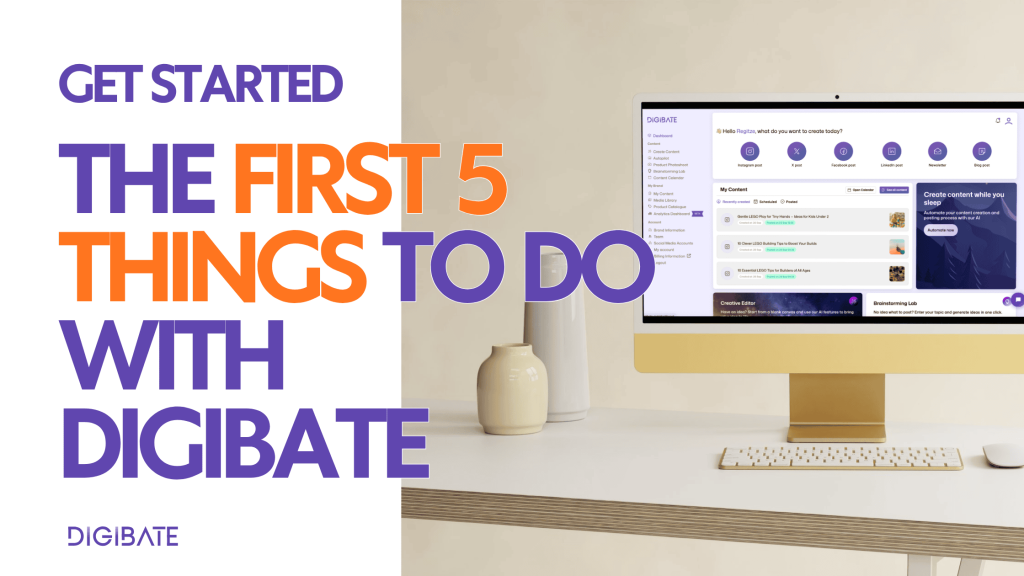
Start creating content, scheduling campaigns, and boosting your marketing — right away ✨
Once you’re inside Digibate, you don’t need to spend hours on setup. Here are the first 5 things you should do to start generating content and seeing real results 👇
1. ✍️ Generate Your First Post
The fastest way to see Digibate in action is to create your first piece of content.
- 📝 Choose the platforms you want to post on (Instagram, Facebook, Twitter/X, LinkedIn)
- ✍️ Write a short, clear prompt describing what the post should be about (e.g. “Promote our new autumn collection with a cozy, seasonal vibe”)
- 🧠 Pick your content style → promotional, educational, entertaining, FAQ, news, etc.
- 📸 Choose your visuals → generate AI images, pick from stock, upload your own, or select from your library
- ⚡ Digibate will create captions and visuals in seconds
💡 The more specific your prompt, the better the content you’ll get 👌
2. 🖼 Generate Product or Campaign Images
Use Digibate’s AI Image Generator to quickly create scroll-stopping visuals for your posts:
- 🧠 Describe the product or concept and choose a style (e.g. “minimalist flat lay,” “cozy autumn lifestyle,” “modern editorial”)
- 🛍 Generate seasonal, promotional, or lifestyle shots in seconds — without needing a photoshoot
- 🧰 Use the Creative Editor to add overlays, text, or branding if you want to polish the image further
✨ This is a great way to build out entire campaigns fast — especially for eCommerce brands.
3. 📆 Plan and Schedule Your First Week of Content
Once you’ve created a few posts, schedule them directly from Digibate:
- 🗓 Choose your posting dates and times
- 📲 Schedule across multiple platforms simultaneously
- 👀 View all upcoming posts in your Content Calendar for a clear overview
- ✏️ Adjust dates or edit content directly from the calendar if needed
💡 Even planning just one week ahead can make your marketing feel 10× more organized.
4. 🤖 Set Up an Autopilot Automation
Want content to keep flowing without daily effort? Use Autopilot to let Digibate generate and schedule posts automatically.
- ⚡ Choose platforms, topics, frequency, and tone
- 🧠 Autopilot creates posts and adds them straight to your Content Calendar
- ✍️ You can review, edit, or reschedule any autopilot-generated content at any time
👉 This is a game changer for staying consistent without burning out.
5. 📈 Experiment With Different Content Types
One of Digibate’s strengths is how easy it is to mix up your content strategy. Try creating a variety of posts to see what resonates:
- 🛍 Product-focused visuals for promotions
- ✨ Educational or tip-based posts to provide value
- 📸 Behind-the-scenes or team content to humanize your brand
- 🎯 Platform-specific formats → carousels for LinkedIn, Reels for Instagram, short tweets, etc.
- 🧠 Different tones → playful, expert, storytelling, or explanatory
💡 Testing a variety of content styles early on helps you find your best-performing formats quickly.
🌟 Final Thoughts
Digibate is designed to make marketing faster, smarter, and more consistent. By focusing on these 5 actions first, you’ll:
- ✍️ Generate real content instantly
- 🖼 Create campaign visuals without a studio
- 🗓 Schedule posts and stay organized
- 🤖 Automate repetitive work
- 📈 Start learning what works best for your audience
👉 No long setup required — just jump in and start creating 🚀