Spark creativity with AI-generated visuals for every type of post
Struggling to come up with new image ideas? ✨
Digibate’s AI Image Generator makes it easy to create stunning, on-brand visuals for any type of content — no expensive photoshoots or complicated tools needed.
Here are a few inspiration ideas across different genres and post types to get your creativity flowing 👇
🛍 1. Product-Focused Images (Perfect for Promotions)
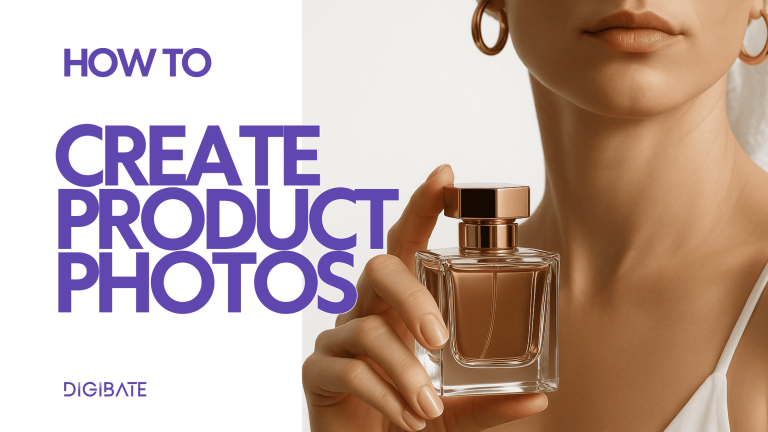
Product shots don’t have to be basic. Use AI to generate images that make your product stand out.
Inspiration ideas:
🧼 Studio-style close-up – your product on a clean background with perfect lighting (great for Instagram carousels or ads)
🌿 Lifestyle setting – your product placed in a real-world environment (e.g. a skincare product on a bathroom counter, a coffee cup in a cozy kitchen)
🪄 Seasonal theme – place the product in a Christmas market, beach setup, autumn forest, etc.
✨ Creative concept – float your product in mid-air, surrounded by brand colors, abstract shapes, or textures
💡 Perfect for: Instagram posts, ads, website banners, product launches.
🌟 2. Educational or Tip-Based Posts
Not every post is about selling — sometimes you’re explaining, teaching, or sharing insights. Use AI images to visually support your message.
Inspiration ideas:
📚 Illustrated icons or infographics to match key points
💡 A “chalkboard” or whiteboard setting with your tip visually written out
🧠 Stylized concept images (e.g. a brain with gears for strategy tips, a rocket for growth hacks)
✍️ Minimal, elegant graphics with clear text overlays for quotes or key messages
💡 Perfect for: LinkedIn thought leadership, Instagram carousels, blog covers.
👥 3. Community & Behind-the-Scenes Content
Show the human side of your brand with generated images that bring your community and team to life — even if you don’t have a photographer.
Inspiration ideas:
📸 Team at work in a modern office, studio, or coffee shop environment
🤝 People interacting with your product (e.g. customers holding bags, friends enjoying a drink together)
🪄 Stylized “behind the scenes” — e.g. a cozy creative studio, editing desk, or warehouse scene
🫶 Abstract “community” illustrations using your brand colors and shapes
💡 Perfect for: Instagram stories, newsletters, “About us” posts, brand storytelling.
✨ 4. Seasonal Campaigns & Themed Content
Seasons and holidays are a goldmine for visual content. AI lets you instantly adapt your creative without needing new photo shoots.
Inspiration ideas:
🎄 Winter/Christmas — cozy setups, gift wrapping scenes, snow-covered product displays
☀️ Summer — beach backdrops, sunny outdoor lifestyle imagery
🍂 Autumn — warm tones, leaves, seasonal textures around your products
💘 Valentine’s Day, 🎃 Halloween, 🌸 Spring — all with brand-aligned colors and moods
💡 Perfect for: Campaign launches, email headers, seasonal ads, special offers.
📈 5. Abstract & Brand-Focused Visuals
Sometimes you don’t need literal images — abstract visuals can set a mood, reinforce branding, or act as flexible backgrounds for text.
Inspiration ideas:
🌀 Textured backgrounds in your brand colors for quote graphics
🌊 Soft gradients and shapes for clean, modern layouts
💥 Bold geometric designs for promotional banners
✨ Sparkly, dreamy, or artistic visuals to use as overlays behind text
💡 Perfect for: Story backgrounds, carousel slides, hero banners, or quick filler posts between campaigns.
🎨 6. Experiment With Artistic Styles
One of the best parts of AI image generation is experimenting with different artistic styles to match your campaign vibe.
Try prompts like:
🖼 “In the style of a minimalist flat illustration”
🧠 “Futuristic 3D render of [your product]”
✍️ “Hand-drawn sketch of [concept]”
📸 “Hyper-realistic studio photo”
🎨 “Oil painting / vintage poster / modern editorial magazine style”
💡 Perfect for: Brand storytelling, campaign visuals, content experimentation.
📝 Pro Tips for Better Results
✍️ Be specific in your prompts → “A skincare serum on a white marble counter with soft daylight” works better than “skincare image”
🧠 Add style details (lighting, background, vibe, composition)
📐 Choose the right aspect ratio depending on the platform (e.g. square for Instagram feed, vertical for stories, wide for banners)
🔄 Generate a few variations and pick the best one — don’t settle for the first try
🪄 Combine AI images with the Creative Editor in Digibate to add text overlays, logos, or branded elements
🌟 Final Thoughts
AI image generation is your creative playground. Whether you’re showcasing products, telling stories, or creating seasonal campaigns, Digibate gives you the flexibility to produce stunning, on-brand visuals in seconds — without a photoshoot team.
Experiment with styles, mix genres, and use these ideas as a starting point to build a visual identity that stands out 🚀