View, manage, and plan your content with ease
Brands that plan and schedule their content at least 4 weeks in advance see, on average, 30% more consistent posting and stronger campaign ROI compared to those that plan week-to-week.
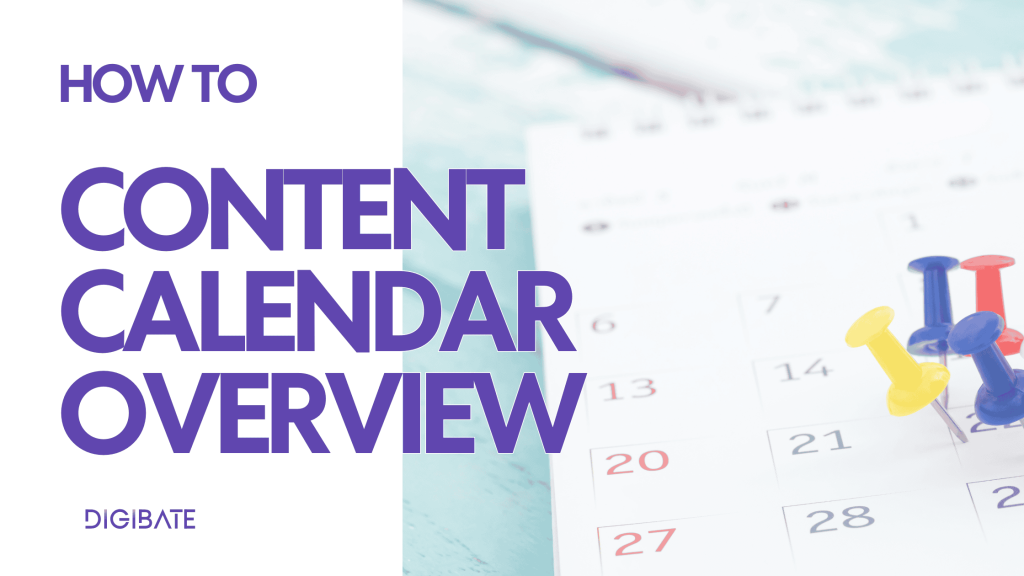
With Digibate’s Content Calendar, you can stay ahead – organizing all your campaigns, posts, and stories in one clear, easy-to-use overview.
👀 1. Viewing Your Calendar
When you open the Content Calendar, you’ll see your upcoming content laid out in a monthly or weekly view, giving you a clear timeline of everything that’s planned, published, or still in draft.
You can:
- 🌈 See all post types at a glance — including posts, stories, reels, drafts, and autopilot-generated posts
- 📝 Click on any post to view and edit details, including the platform, caption, media, and scheduled time
- 👁 Get a clear overview of what’s scheduled to go live on each platform, helping you spot gaps and manage your marketing flow efficiently
👉 This gives you a complete picture of your content plan, all in one place.
✏️ 2. Editing and Rescheduling Content
If plans change, you can easily edit or reschedule any post directly in the calendar.
- 🖱 Click on the post you want to change
- ✍️ Update the date, time, caption, or visuals as needed
- ✅ Save your changes, and the calendar updates automatically
This makes it quick to adapt campaigns, move content around, or fine-tune individual posts without interrupting your overall schedule.
📌 3. Additional Calendar Tips
To make the most of your Content Calendar:
- 👁 You can see exactly what will be posted on each platform, making it simple to keep track of your multi-channel strategy
- 🔔 Set reminders for manual posts if your social accounts aren’t connected
- 📈 Regularly review upcoming weeks to keep your content consistent and balanced
- 📝 Click directly into posts to make edits without leaving the calendar view
🚀 Why the Calendar Matters
The Content Calendar is more than just a timeline — it’s your campaign control center. It allows you to:
- Keep your content structured across multiple platforms
- Manage both manually created and autopilot-generated posts in one place
- Stay agile by editing or rescheduling content quickly
- Maintain a consistent posting rhythm that drives better results
👉 With Digibate, you can plan your content up to 3 months ahead, depending on your plan — giving you the clarity and flexibility to stay ahead of the curve.